
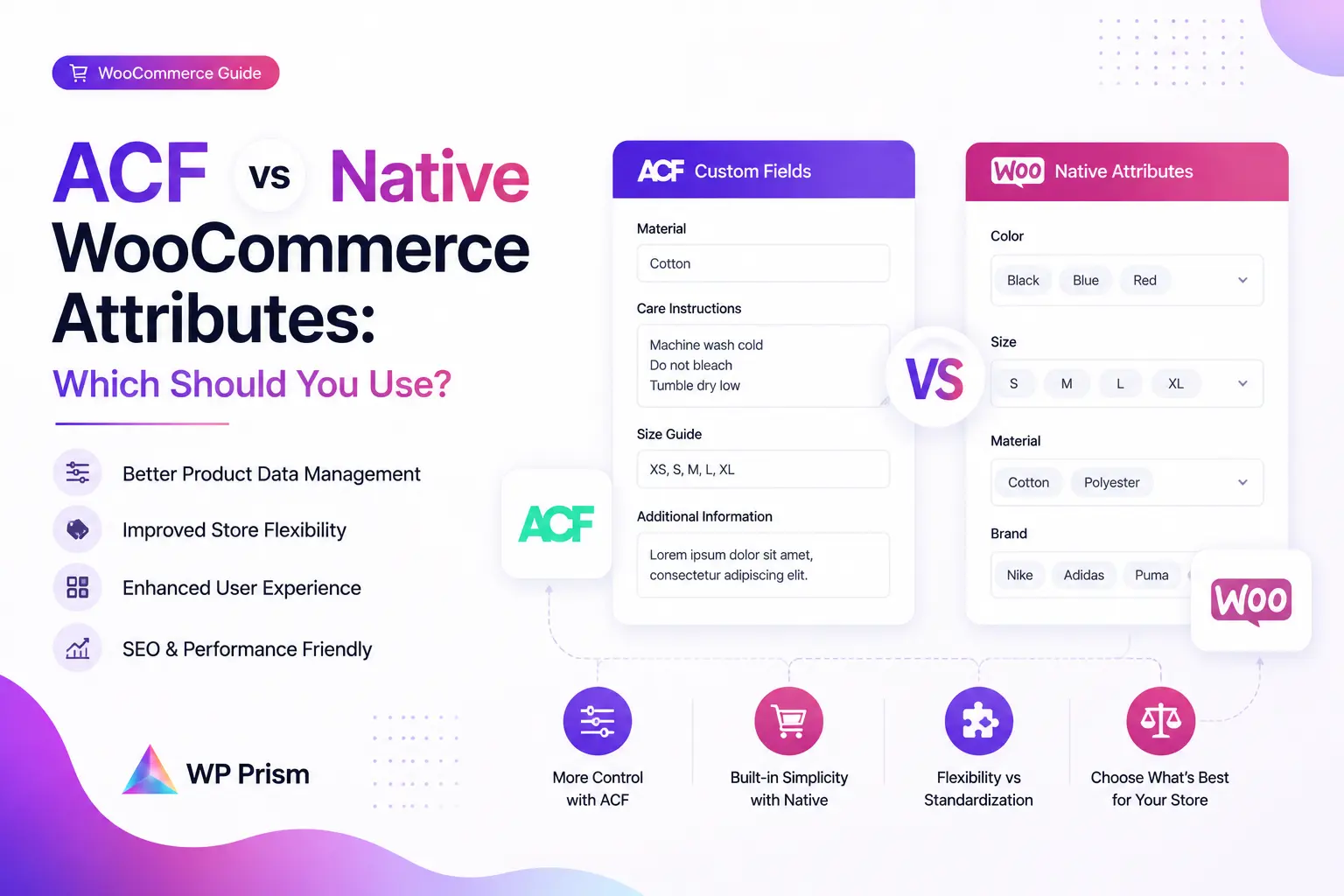
If you’ve built more than a handful of WooCommerce stores, you’ve hit this fork in the road. A client needs product pages that show more than price, stock, and a default variation dropdown. Maybe it’s a spec sheet, a care guide, a material origin field, or a technical detail that changes per variation. You know you need custom data on that product page. The question is whether you reach for WooCommerce’s built in attribute system, ACF, or something that bridges both.
The wrong choice here doesn’t break anything immediately. It just makes your life harder in six months when you need to change something, or when the client wants that field to update dynamically when a customer picks a different variant.
What Native WooCommerce Attributes Are Actually For
WooCommerce attributes exist specifically to power product variations. When a customer picks “Large” or “Red” from a dropdown and the price, image, and stock update accordingly, that’s the attribute system doing exactly what it was designed for.
They also feed into:
- Layered navigation and filtering (the sidebar on a shop page where customers filter by size, color, material)
- Structured product data that Google and other search engines can parse for rich results
- Variation based inventory, separate stock counts per variation combination
This is native WooCommerce functionality. It works cleanly, it integrates with every payment gateway and shipping plugin, and it requires no additional code to function.
What it doesn’t do well: display rich, arbitrary product data that isn’t tied to a variation. A “Country of Origin” field, a “Technical Specification” block, a “Sustainability Rating,” these aren’t variations, they’re supplemental product facts. Trying to shoehorn them into the attribute system produces awkward results in the admin and doesn’t render the way you’d want on the frontend.
What ACF Adds to the Picture
ACF gives you a developer friendly way to attach almost any kind of field to a product: text, textarea, number, image, repeater, relationship, file, and more. You define field groups in the admin, assign them to products via location rules, and then display the values in your theme or template using get_field() and the_field().
For supplemental product data that doesn’t affect variation logic, this is genuinely the right tool. It’s flexible, it’s well documented, and most experienced WordPress developers already know how to use it.
The limitation shows up specifically with variable products and variation switching. When a customer selects a different variation from the dropdown, WooCommerce updates the price, image, and stock count via AJAX. ACF fields are not part of that update cycle. If you’ve attached a field to each variation and you want that field’s value to change on screen when the customer changes their selection, it won’t happen by default. You’d need custom JavaScript to listen for the found_variation event, fetch the right ACF value for the selected variation, and inject it into the page.
That’s doable if you’re a developer comfortable writing it. For everyone else, it’s a fragile custom implementation that breaks whenever WooCommerce updates its variation handling.
Where the Gap Gets Filled
This is exactly the problem ACF Addon for WooCommerce Variations was built to solve. It bridges ACF and WooCommerce’s variation system so that ACF field values update on the frontend when a customer switches variants, without you writing a line of JavaScript.
The result: you get ACF’s flexible field types and developer friendly data management on the backend, and WooCommerce native variation switching behavior on the frontend. Both tools stay in their lane without requiring a custom glue layer between them.
Side by Side
| Native WooCommerce Attributes | ACF (standalone) | ACF + WooCommerce Variations Addon | |
|---|---|---|---|
| Powers variation dropdowns | Yes | No | Yes (via addon) |
| Layered shop filtering | Yes | No | No |
| Rich field types (image, repeater, file) | No | Yes | Yes |
| Updates dynamically on variation switch | Yes (price, stock, image) | No (requires custom JS) | Yes |
| Developer friendly API | Limited | Yes | Yes |
| Best for | Variation logic and shop filtering | Supplemental product data | Both |
When to Use Each
Use native attributes when:
- You need product variations (sizes, colors, materials) that affect price, stock, or images
- You want customers to filter products on the shop page by specific characteristics
- You need clean structured product data for SEO rich results
Use ACF (with the variations addon) when:
- You need to show additional product data that changes per variation, such as a spec sheet, care instructions, or a technical detail
- You want a developer friendly field management UI rather than WooCommerce’s more limited custom field system
- Your store has complex product data that a simple text attribute can’t represent cleanly
Use both together when:
- This is the most common setup for complex stores. Native attributes handle the variation logic and shop filtering. ACF handles all the supplemental data that lives on the product page but isn’t tied to the variation system. The addon makes sure any ACF fields that are variation specific update correctly on the frontend.
Frequently Asked Questions
Can ACF replace WooCommerce attributes entirely? No. ACF has no awareness of WooCommerce’s variation system by default. You can’t use ACF fields to drive variation dropdowns, affect pricing, or control stock at the variation level without significant custom code.
Do I need ACF Pro to use it with WooCommerce? No. The free version of ACF supports product field groups. ACF Pro adds field types like Repeater and Flexible Content that are useful for richer product data, but the core integration works on the free version.
Does the ACF Addon for WooCommerce Variations require a specific theme? No. It works with any theme that supports WooCommerce’s standard variation switching events.
Will adding ACF fields slow down my product pages? Not meaningfully, provided you’re using get_field() efficiently and not running excessive database queries per page load. ACF’s field retrieval is lightweight for standard field types.
Need ACF fields that actually update when customers switch product variations? Get the ACF Addon for WooCommerce Variations and stop writing custom JavaScript for something that should work out of the box.