
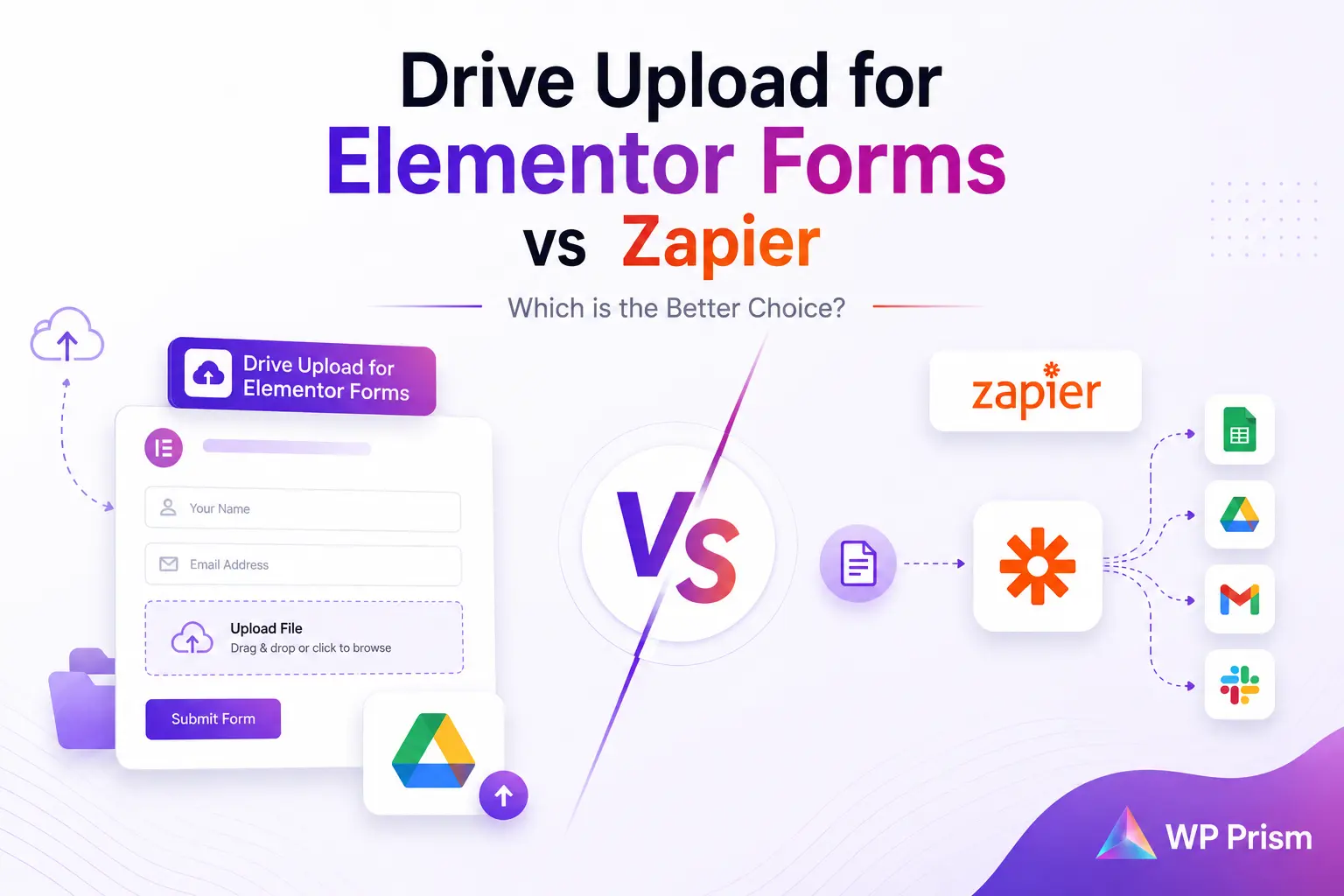
If you’ve ever set up a “send Elementor form uploads to Google Drive” Zap, you already know the workflow. Trigger, action, done, files start landing in a folder. What most people don’t realize until the invoice shows up is how fast that convenience turns expensive once your form volume grows past a trickle.
This isn’t a takedown of Zapier. It’s genuinely good at connecting apps that have no other way to talk to each other. But for one specific job, syncing Elementor form uploads to Google Drive, running that job through Zapier is often solving a simple problem with an expensive, general purpose tool. Here’s the actual math.
How Zapier Prices This Workflow
Zapier bills by “tasks,” and every file your form sends through a Zap counts as at least one task, sometimes more if your Zap includes multiple steps like renaming, folder routing, or notifications.
Zapier’s Professional plan, the entry tier that supports the multi step Zaps this kind of workflow needs, starts at roughly $19.99 to $29.99 a month for a base allotment of 750 tasks. Once you need shared team access or a larger task pool, the Team plan runs somewhere in the $69 to $103 a month range depending on billing terms. Go over your task limit and overages are billed at a markup on top of your base rate.
Run the numbers on a real scenario: a job application form or a client onboarding form that collects 5 to 10 files a day. That’s 150 to 300 uploads a month before you even count multi step Zaps for renaming or folder logic. A single busy form can burn through an entire Professional tier’s task allowance on its own, and that’s before you add a second form, a second Zap, or a second client site.
What a Native Integration Costs Instead
Drive Upload for Elementor Forms connects your site directly to your own Google Cloud project using native OAuth2, no Zapier account, no task meter, no middleman API sitting between your form and your Drive folder.
The plugin’s pricing:
- Starter: $4/month, unlimited file sync, dynamic folder mapping, single site license
- Professional: $30/year, same feature set, priority developer support
- Enterprise: $100 lifetime, one time payment, lifetime updates and support
At the Professional tier, that’s $30 a year. Compare that to a Zapier Professional plan at roughly $240 to $360 a year just for this one workflow, and the gap isn’t close. Even the plugin’s Starter plan at $4 a month, $48 a year, still comes in well under a single Zapier tier, and unlike Zapier, the plugin’s file sync is unlimited rather than metered by task count.
| Side by Side | Drive Upload for Elementor Forms | Zapier |
|---|---|---|
| Pricing model | Flat monthly, annual, or one time lifetime fee | Task based, scales with volume |
| File sync limit | Unlimited | Capped by plan tier, overage fees apply |
| Typical annual cost for this workflow | $30 to $100 | $240 to $1,200+ depending on volume |
| Data path | Direct, server to Google Drive via native API | Routed through Zapier’s platform |
| Setup | Requires a free Google Cloud project (one time setup) | Requires a Zapier account and a configured Zap |
| Best for | Any site with recurring form uploads | One off integrations between apps with no native connection |
The Part That Isn’t About Price
Cost is the headline, but it’s not the only reason to skip the middleman here. Every file that passes through a third party automation platform is a file that briefly exists somewhere other than your server and your Drive. For workflows involving contracts, IDs, or other sensitive client documents, a direct, encrypted connection between your form and your own Google Cloud project is a meaningfully shorter, more private path than routing the same file through an external platform’s infrastructure first.
This matters most for exactly the use cases where file uploads tend to pile up fastest: HR teams collecting resumes, real estate agents syncing property photos, and client onboarding flows collecting signed contracts or ID documents.
When Zapier Still Makes Sense
To be fair, Zapier isn’t the wrong tool everywhere. If you need to connect Elementor Forms to a dozen different apps, not just Google Drive, and you’re already paying for Zapier to handle other workflows across your business, folding one more Zap into an existing plan you’re already paying for costs you nothing extra. The math above assumes you’re standing up a Zapier plan specifically for this one job. If Zapier is already sunk cost in your stack, the calculation changes.
But for a WordPress site whose only real need is “get Elementor form files into Google Drive reliably,” paying for an entire automation platform to do a job a $30 a year plugin already does natively is money that doesn’t need to leave the building.
Frequently Asked Questions
Do I still need a Google Cloud project if I’m not using Zapier? Yes, either way. Both approaches connect to Google Drive through Google’s own API, which requires a free Google Cloud project and a Client ID. The difference is what sits between your form and that API, Zapier’s platform, or nothing.
Is a native integration harder to set up than a Zap? Initial setup is comparable, both need a few minutes to configure the Google connection. After that, the plugin needs no ongoing maintenance of a separate Zap, since it’s built directly into your form.
What happens if I exceed my Zapier task limit mid month? Zapier either pauses your Zaps until the next billing cycle or bills you overage fees on top of your plan, depending on your settings. A native integration has no equivalent limit to hit.
Can I map different form fields to different Drive folders with the plugin? Yes, Drive Upload for Elementor Forms supports dynamic folder mapping, so each upload field on a form can route to its own Drive folder automatically.
Stop paying task based fees for a job that should be flat rate. Get Drive Upload for Elementor Forms and connect your forms directly to Google Drive today.