
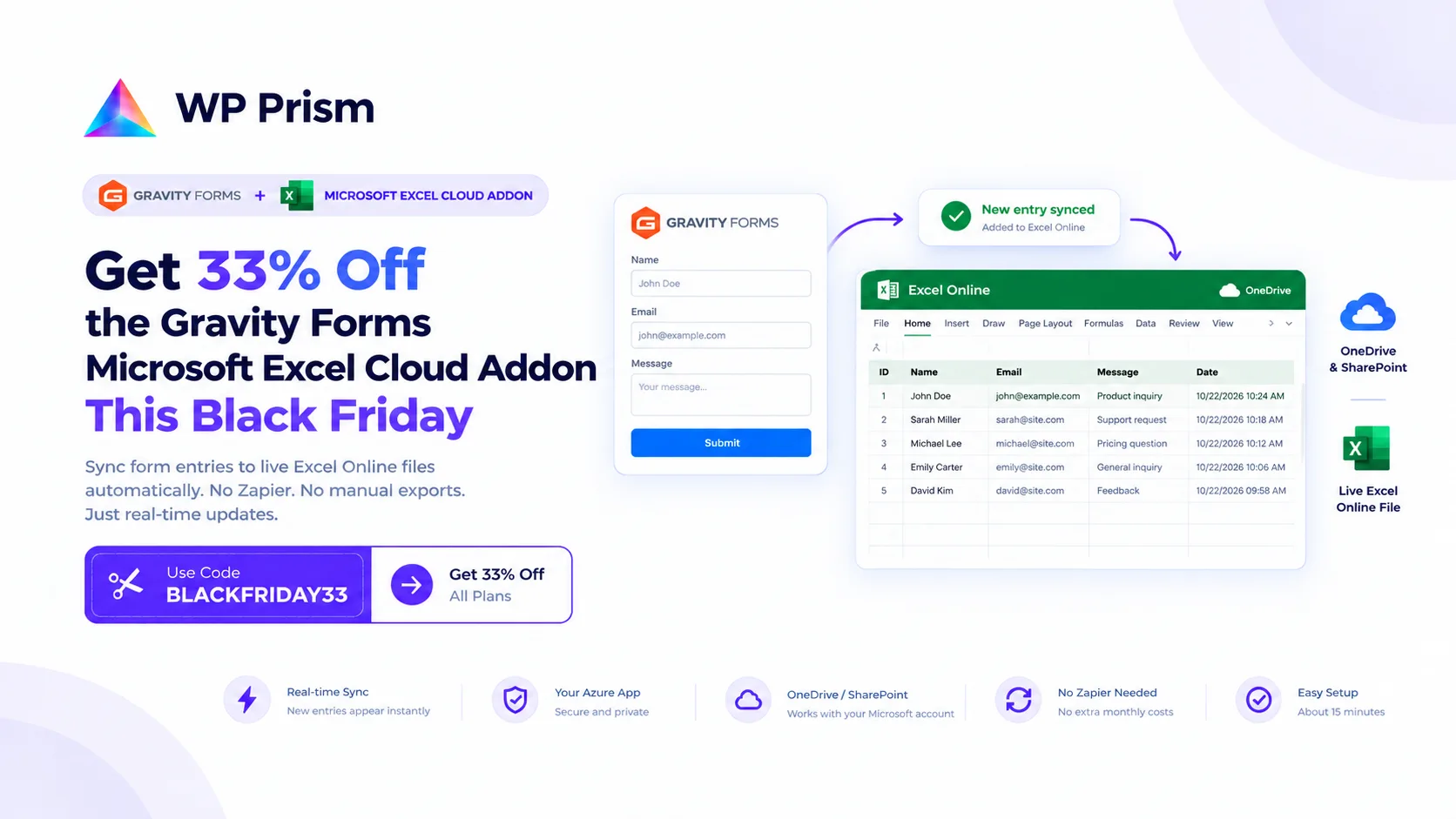
If your team tracks Gravity Forms submissions in Microsoft Excel, the workflow probably looks like this: export entries as CSV, open Excel, paste the new rows into the master file, repeat next week. It works, but it is a task that never quite goes away.
The Gravity Forms Microsoft Excel Cloud Addon eliminates it. This Black Friday, it is 33% off with code BLACKFRIDAY33, and the discount applies to renewals too.
What It Does
The addon connects Gravity Forms directly to a live Excel workbook in OneDrive or SharePoint via Microsoft Graph API. Every form submission pushes a new row to your spreadsheet the moment it is submitted. The spreadsheet stays open in Excel Online and updates in real time. No export, no upload, no manual step.
Key features:
- Real-time sync via Microsoft Graph API, no Action Scheduler delay
- Conditional logic support: filter which entries sync based on form field values
- Multi-sheet routing: send entries to multiple Excel tabs simultaneously
- Retry queue: up to 3 automatic retries if Microsoft’s API is temporarily unavailable
- Connects through your own Azure app credentials, no entry data passes through any third party server
Setup
The addon connects through a free Microsoft Azure app registration. You register the app once (about 15 minutes), authorize it via OAuth inside Gravity Forms settings, then create a feed on your form and map fields to Excel columns. From that point, every submission syncs automatically.
Full setup guide at wpprism.com/docs.
Why the Renewal Discount Matters
Most Black Friday deals apply only to the first payment. This offer applies to renewals too. On a lifetime plan, you pay once at the reduced rate and that is it.
How to Claim
Go to the Gravity Forms Microsoft Excel Cloud Addon page, choose your plan, and enter BLACKFRIDAY33 at checkout.
Frequently Asked Questions
Does this work with SharePoint as well as OneDrive? Yes. The addon supports personal OneDrive, OneDrive for Business, and SharePoint document libraries.
Do I need Gravity Forms Pro? The addon requires any paid Gravity Forms license.
What if Microsoft’s API goes down during a form submission? The retry queue catches the entry and retries up to 3 times automatically. Entries are never lost even during brief outages.
Does it support conditional logic on which entries sync? Yes. You can filter which submissions reach Excel based on any Gravity Forms field value.
33% off with code BLACKFRIDAY33. Stop re-exporting form data into Excel. Get the Gravity Forms Microsoft Excel Cloud Addon and automate your spreadsheet workflow today.