
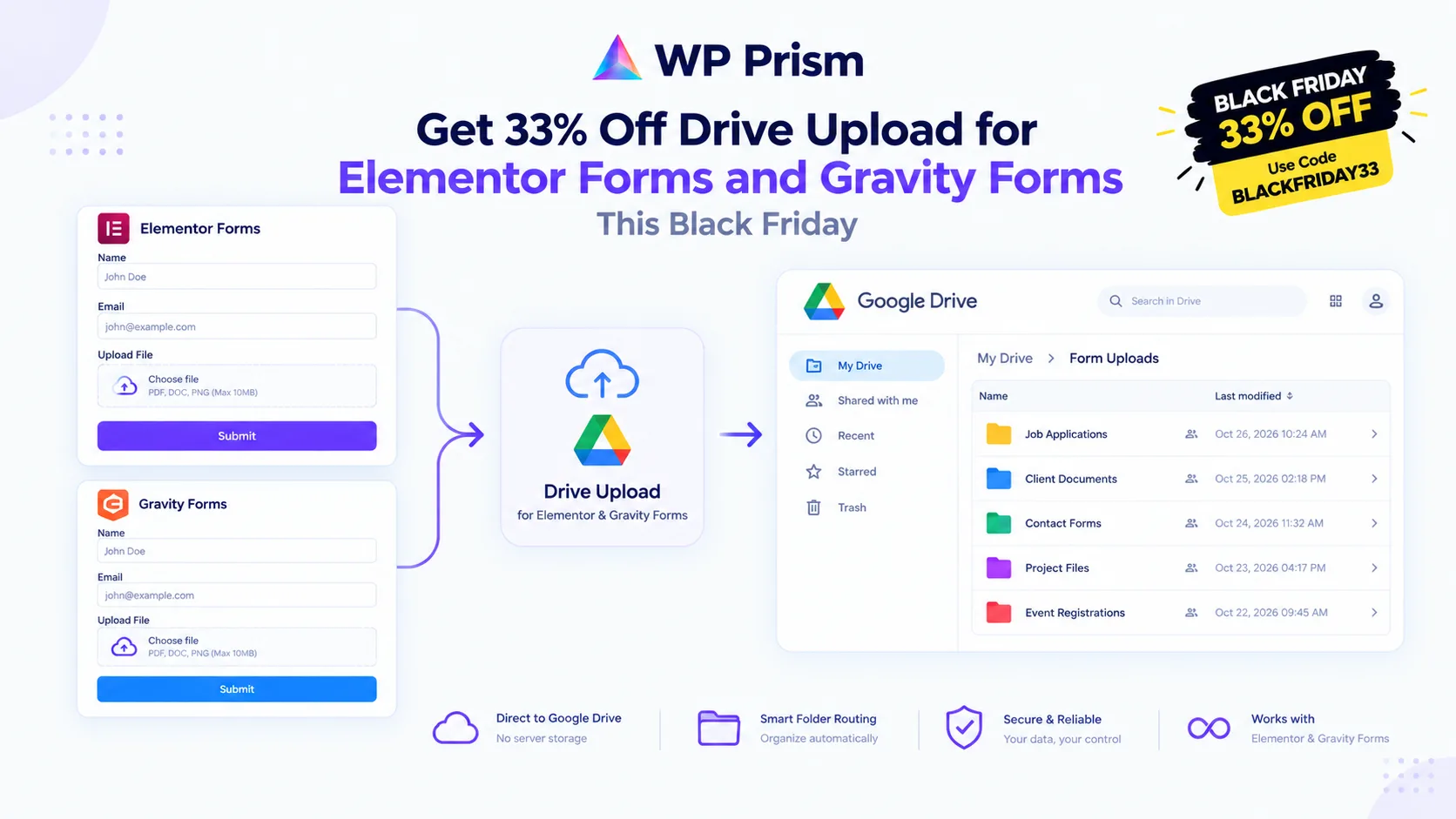
Every file uploaded through a WordPress form lands on your server by default. CVs, project briefs, signed documents, property photos: they pile up in wp-content/uploads, eat through your hosting storage, and sit there organized by date rather than by anything useful. Finding a specific file means digging through folders. Sharing it means downloading it first.
Both WP Prism Drive Upload plugins fix this by routing files directly to Google Drive at submission, before they ever write to your server. This Black Friday, both are 33% off with code BLACKFRIDAY33, discount applies to renewals too.
Drive Upload for Elementor Forms
Drive Upload for Elementor Forms works with Elementor Forms (requires Elementor Pro) and sends every uploaded file straight to the Google Drive folder you specify.
Key features:
- Files go directly to Google Drive via the official API, your server never retains them
- Dynamic folder routing: set a form field (like “Job Title” or “Client Name”) as the sub-folder name so each submission creates its own organized folder automatically
- Resumable uploads up to 100MB, chunked for reliability on slow connections
- Auto-purge: temporary local files are deleted after a successful Drive sync
- Connects through your own Google Cloud project via OAuth2, no third party middleman
Setup requires a free Google Cloud project with Drive API enabled (one time, about 15 minutes). Full guide at wpprism.com/docs.
Best for: HR portals, client onboarding forms, real estate document uploads, event registrations with supporting files.
Drive Upload for Gravity Forms
Drive Upload for Gravity Forms brings the same Google Drive routing to Gravity Forms users. Same direct API connection, same dynamic folder mapping, same server-bypass approach. Works alongside other Gravity Forms addons on the same form submission without conflict.
If you are already using PrismSync for QuickBooks automation on a Gravity Forms form, Drive Upload for Gravity Forms can run on the same form simultaneously. QuickBooks gets the entry data, Google Drive gets the files, all from one submission.
Why the Renewal Discount Matters
The discount applies to renewals too. On a lifetime plan, one payment at the discounted price and you are done.
How to Claim
Choose the plugin that matches your form builder, pick your plan, and enter BLACKFRIDAY33 at checkout.
Frequently Asked Questions
Do I need a paid Google Workspace account? No. A free personal Google account with Google Drive works. For team use, a Google Workspace account gives you pooled storage and shared Drive access, but it is not required.
Does the file ever touch my server? Drive Upload intercepts the upload before it writes to your server’s file system and routes it to Google Drive. Your server processes the form but does not retain the file.
Can I map different upload fields to different Google Drive folders? Yes. Each file upload field in your form can have its own destination folder ID, so different types of files from the same form land in different organized locations.
Does this work with multi-file upload fields? Yes. All files in a batch upload go to the designated Drive folder.
33% off with code BLACKFRIDAY33. Stop filling your server with form uploads. Get Drive Upload for Elementor Forms or Drive Upload for Gravity Forms and route every submission directly to Google Drive.